[Team 6] three.js Texture 구현 오류 해결
three.js 코드에 particle을 추가하는 작업을 하고 있다.
현재까지 구현한 사항은 다음과 같다.
- particle의 사이즈 랜덤화
- particle의 위치 랜덤화
- 마우스 움직임(좌표값)에 따른 particle의 움직임
- 경과한 시간에 따른 particle의 움직임
- particle의 텍스쳐 추가
현재 5번에서 골머리를 겪어 해결 기록을 남기고자 한다.
처음 짠 Texture 코드는 다음과 같다.
    // Textures
    const textureLoader = new THREE.TextureLoader()
    const particleTexture = textureLoader.load('../../assets/image/particle.png')
    material.map = particleTexture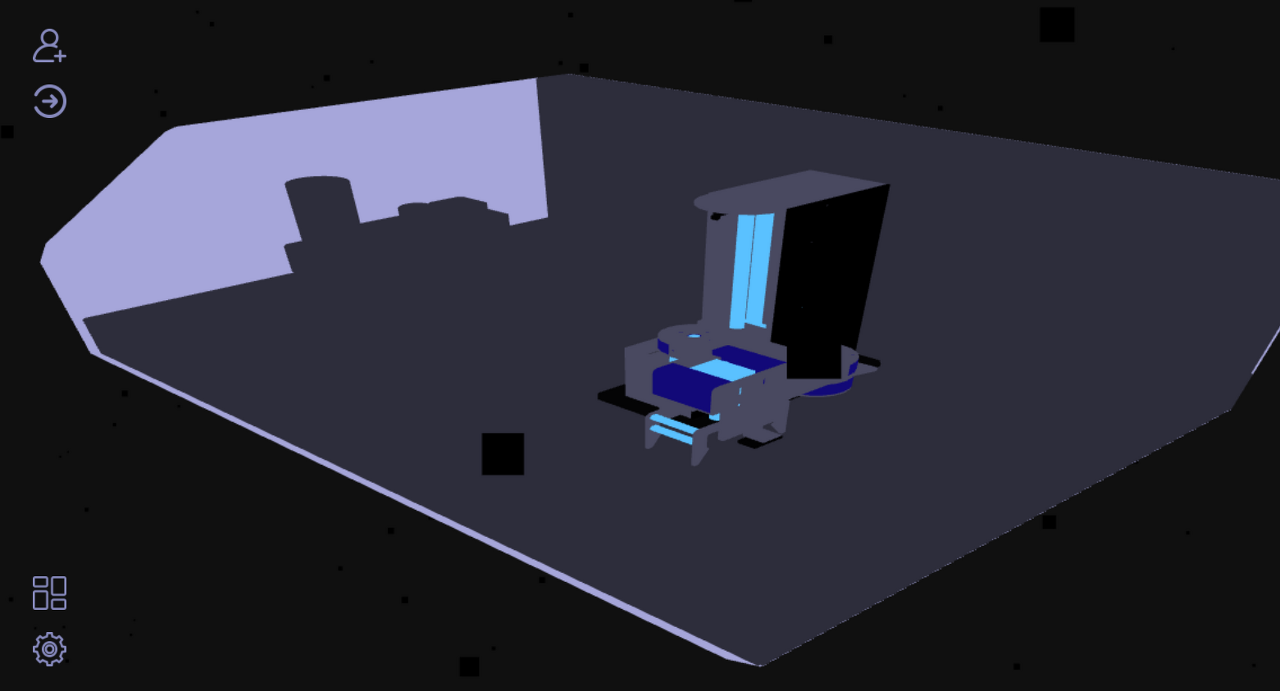
그냥 검정 네모들의 향연이었다.
시도해본 사항은 다음과 같다.
1. 파일 위치 변경 및 확인
2. TextureLoader 말고 ImageLoader 사용 : textureLoader를 권장한다는 콘솔 로그가 떴다. 그럼 결국 TextureLoader에서 이미지를 로드하는 문제라는 건데...
4. 텍스쳐 이미지 변경
5. map을 material에 직접 넣는 방향으로 수정
    // Materials
    const material = new THREE.PointsMaterial({
      map: particleTexture
    })
6. 콜백 함수 사용
// Textures
const textureLoader = new THREE.TextureLoader()

// load a resource
textureLoader.load(
  '../../assets/image/particle.png',
  function (texture) {
    this.material.map = texture
  },

  // onProgress callback currently not supported
  undefined,

  // onError callback
  function (err) {
    console.error('particle texture error', err)
  }
)
결론은 모두 안됐다.
그래서 구글링하다 아래 링크를 찾았다.
https://stackoverflow.com/questions/60422777/three-js-texture-loader-cant-load-a-texture
Three js Texture Loader can't load a texture
I'm trying to load an image with three js (I want the same result as this project : https://github.com/brunoimbrizi/interactive-particles). But when I run the project, the code don't want to load the
stackoverflow.com
두번째 답변이 도움이 됐다. 로드할 때 위치 앞에 require를 붙여주니 로드가 되긴 됐다.
수정한 코드는 다음과 같다.
    // Textures
    const textureLoader = new THREE.TextureLoader()
    const particleTexture = textureLoader.load(require('../../assets/image/particle.png'))

    // Materials
    const material = new THREE.PointsMaterial({
      map: particleTexture
    })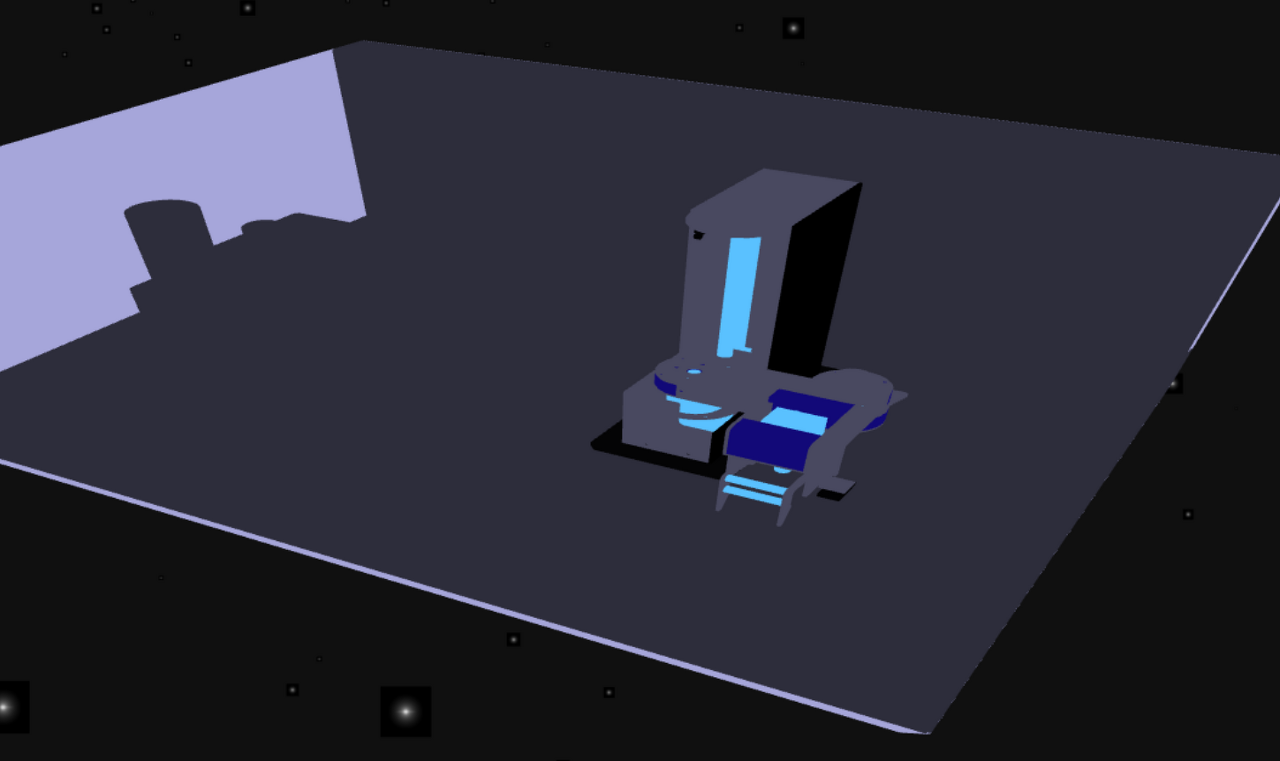
근데 배경이 있다...불러온 이미지엔 존재하지 않는 검은 배경이...
팀원분께 보여드리니 alpha값을 빼야할 것 같다고 하셨다.
그래서 또 구글링 했다.
아래 링크를 찾았다.
Three.js png texture - alpha renders as white instead as transparent
I'm creating a cube and I apply 6 different textures to each of it's faces. Each texture is a .png file and contains transparent parts. I'm also applying a color to the cube - I want to see that co...
stackoverflow.com
transparent 속성을 추가하고 opacity 값을 주라는 답변을 보고 그대로 수정했더니 잘 됐다!
    // Textures
    const textureLoader = new THREE.TextureLoader()
    const particleTexture = textureLoader.load(require('../../assets/image/particle.png'))

    // Materials
    const material = new THREE.PointsMaterial({
      map: particleTexture,
      transparent: true,
      opacity: 0.5
    })